
Introduction to Cloud Timing Beta
In this webinar, we introduced the new Cloud Timing Public Beta platform and walked you through a live demo.
Managing race timing doesn’t have to be complex. In our 45-minute live webinar we showed how MYLAPS Cloud Timing can help you:
✅ On-site & remote timing of events
✅ Set up and run multiple instances
✅ Complete insight into event data
✅ Live MYLAPS support for timers
✅ Plug-and-play with MYLAPS gear

Tim Hordijk
Product Manager
Data Management

Charlotte Fienga
Regional Sales Manager
Southern Europe
.How to get started
How to get started depends on your current timing software setup. These are the steps per situation:
- Timers using the Timing part of Timing & Scoring and using a 3rd party scoring software solution for scoring:
→ Check with your account manager for access to your portal account and functional documentation. - Timers using the Timing part of Timing & Scoring and using their own scoring software solution:
→ Apply on dev.mylaps.com for access and technical api documentation. - Timers using both the Timing & Scoring part of Timing & Scoring
→ Wait for the initial launch of Cloud Scoring.
Please note: During this public beta testing phase, Cloud Timing should not be event-critical. It is advised to run Cloud Timing next to Timing & Scoring.
Documentation on Cloud Timing
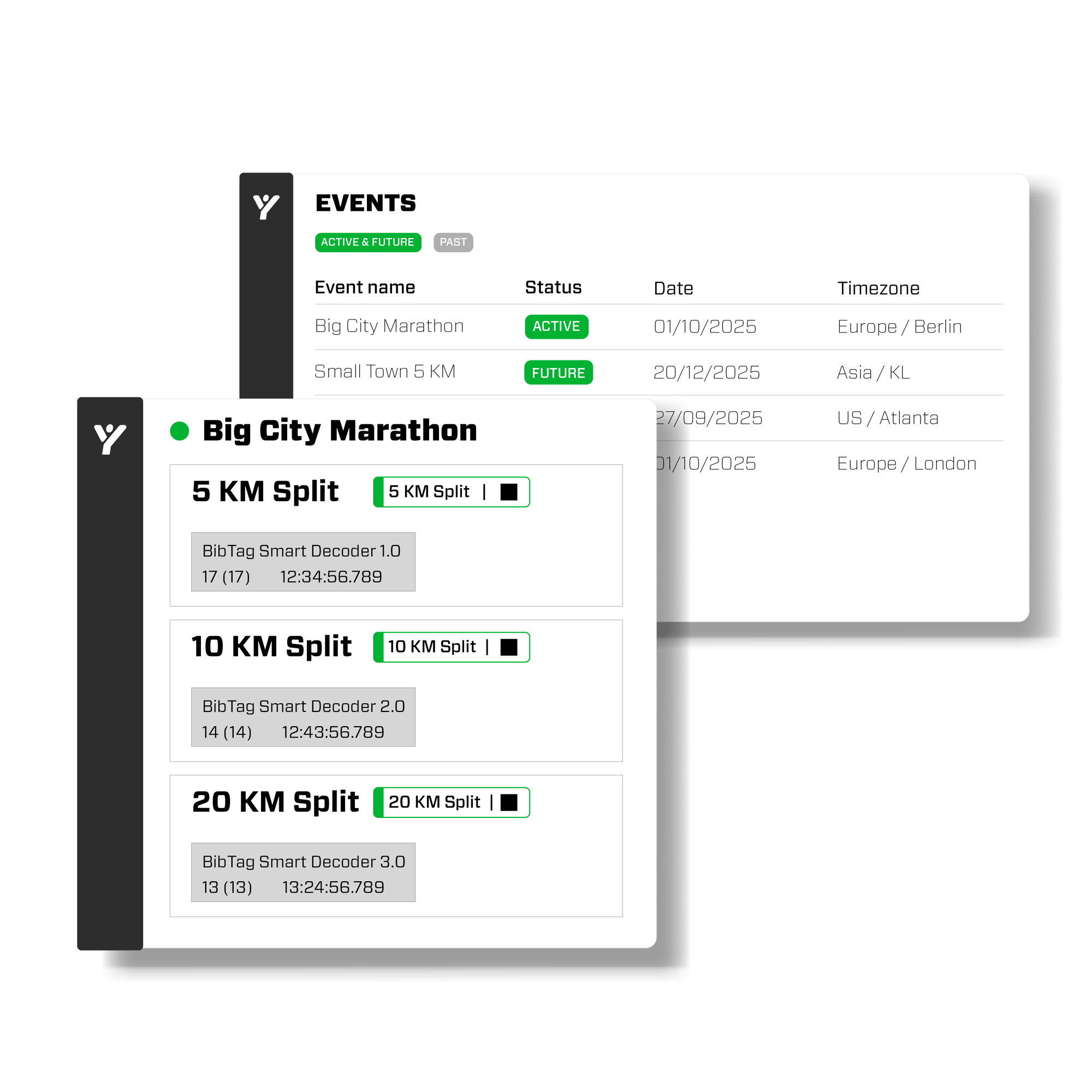
The webinar demo gives a good start to dive into Cloud Timing. Additionally, you can find functional documentation on our help.mylaps.com pages to get a head start. Check out a selection of the articles:
📄 How do I log in to Cloud Timing?
📄 What do I see on the Cloud Timing Dashboard?
📄 How do I register my decoder for Cloud Timing?
📄 Which devices are supported for Cloud Timing?
📄 How to set up timelines in Cloud Timing
Want to know more or have any questions?
Thanks for viewing this webinar! Do you have any questions left after this webinar? Contact your account manager or our support team.